A product idea is in your notes app. A customer question is sitting in a message thread. Last week’s sales numbers are somewhere in a marketplace dashboard. You have been working on the shop all week, but choosing Monday’s first task still feels surprisingly difficult.
Try ending the week with a short reset. The aim is a reliable picture of the business and one clear next action for the week ahead.
The thirty-minute outline below is a suggested timebox, not a promise that every shop can finish its bookkeeping in half an hour. If you find a discrepancy, give it the time it needs or record a specific investigation task.
First ten minutes: make the money records understandable
Collect the sales and expense records for the period you are reviewing. Keep gross sales, refunds, selling fees, and other expenses distinguishable. Save the supporting statements or receipts so you can trace an entry back to its source.
A payout total and a sales total may describe different things. Check the platform’s statement and the period it covers before treating a bank deposit as the whole story.
For a fictional example, $240 in recorded sales minus $32 in selling fees and $18 in refunds leaves $190 before other expenses. That is an intermediate figure. Subscriptions, advertising, payment timing, and other business costs still need attention where applicable; $190 is not automatically net profit or cash available to spend.
The practical goal is to understand what each number means and flag anything you cannot yet explain. For general recordkeeping guidance, the IRS explains the role of transaction summaries and supporting documents. Your own accounting and tax circumstances may require additional records or professional advice.
Next ten minutes: close one loose end
Choose a customer or product task that needs a real decision. Perhaps a buyer needs help locating instructions, a listing needs a clearer contents section, or an outdated link needs checking.
Write down the current issue, its owner, and what would count as resolved. “Improve the listing” is difficult to finish. “Rewrite the first paragraph so it names the included files” is much easier to act on.
If an issue affects buyers, give it priority over cosmetic tidying. Record the exact product and version involved. Avoid making a quick edit to an unrelated package just because its filename looks similar.
This part of the reset is deliberately modest. Finishing one useful task can leave you with a clearer shop than opening six more projects.
Final ten minutes: choose Monday’s first move
Review what actually happened during the week. Which questions came up more than once? Which planned work did you finish? What still has no next action?
Use those observations to choose one priority. If several buyers ask about software requirements, that may be a reason to improve the product explanation. If you have a draft product but no clear audience, defining the audience may be more useful than making another cover image.
Leave a short restart note: “Next, I will do this task, using these files, and I will know it is finished when this is true.” Put the note where you will see it when you begin work again.
Keep the system small
You need a place for financial records, a place for ongoing work, and a habit of reviewing both. They do not have to be the same application. Start with tools you can maintain consistently, and keep backups of the records you rely on.
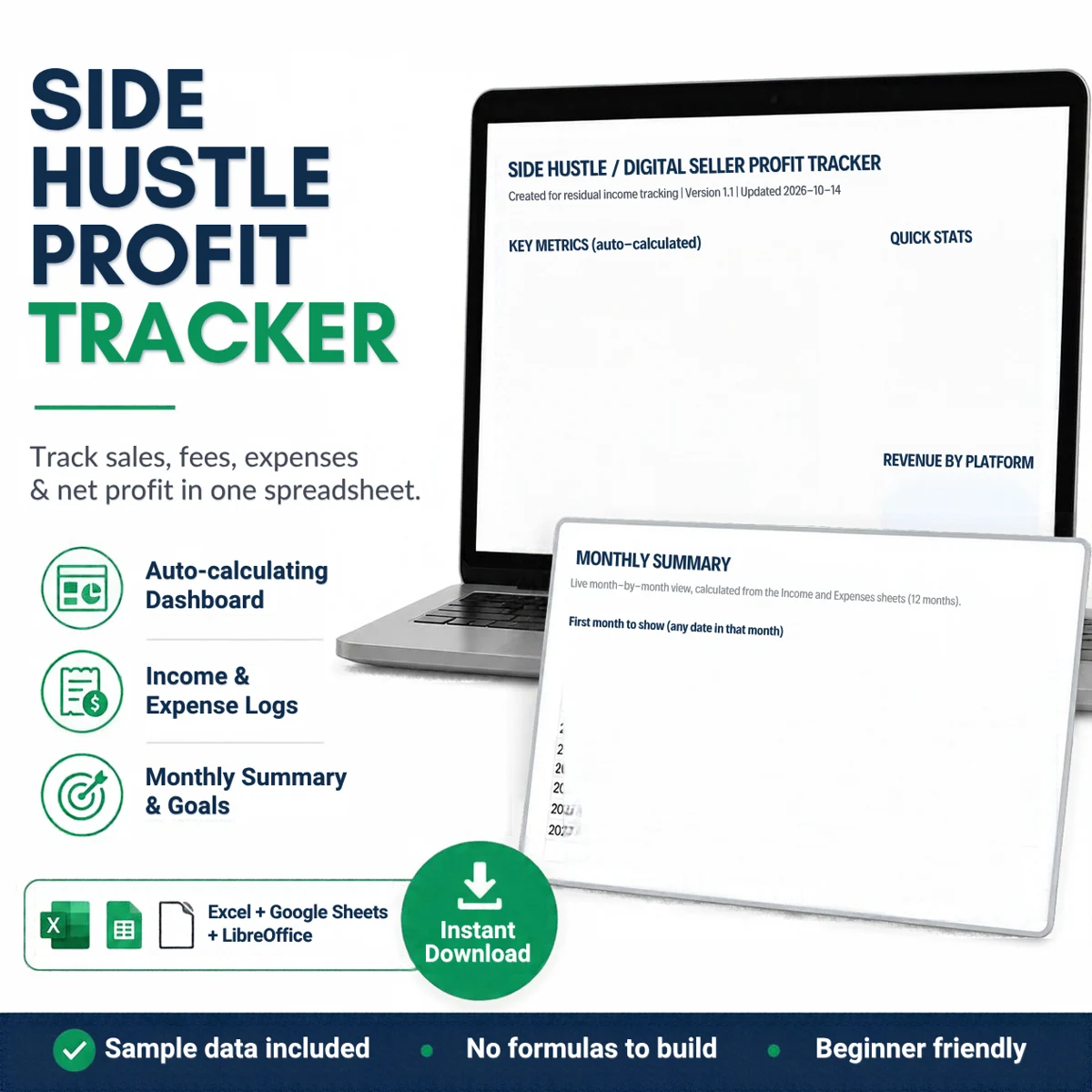
The Digital Seller Profit Tracker provides a workbook for income, expenses, monthly summaries, goals, and content tracking. It suits sellers who want a structured place to enter and review their records. It does not retrieve marketplace transactions or replace professional accounting advice.
If you also want a workspace and a launch guide, the Digital Seller Operations Kit combines that tracker with the Side Hustle Command Center and the 7-Day Digital Product Launch Guide. The resources are separate tools and do not automatically synchronize. Check the bundle contents first if you already own an included product.
Try the reset with the records you already have. At the end, aim for three things: numbers you can explain, one fewer loose end, and a first task you will not have to rediscover on Monday.